Tables, Lists & Images
Tables
Full-width on desktop, horizontally scrollable on mobile.
| Plugin | Status | Description |
|---|---|---|
| Simulator | Active | Generates synthetic Prometheus metrics |
| Slurm | Optional | HPC workload manager integration |
| NetBox | Beta | CMDB importer |
With alignment
| Left | Center | Right |
|---|---|---|
| Alpha | Bravo | 1,000 |
| Charlie | Delta | 2,500 |
| Echo | Foxtrot | 18,432 |
Unordered lists
- First item, a standard bullet list
- Second item with bold content
- Nested item with indentation
- Another nested item
- Third top-level item
Ordered lists
- Clone the repository
- Copy
config/app.example.yamltoconfig/app.yaml - Edit the topology files under
config/topology/ - Run
make upto start all services
Images
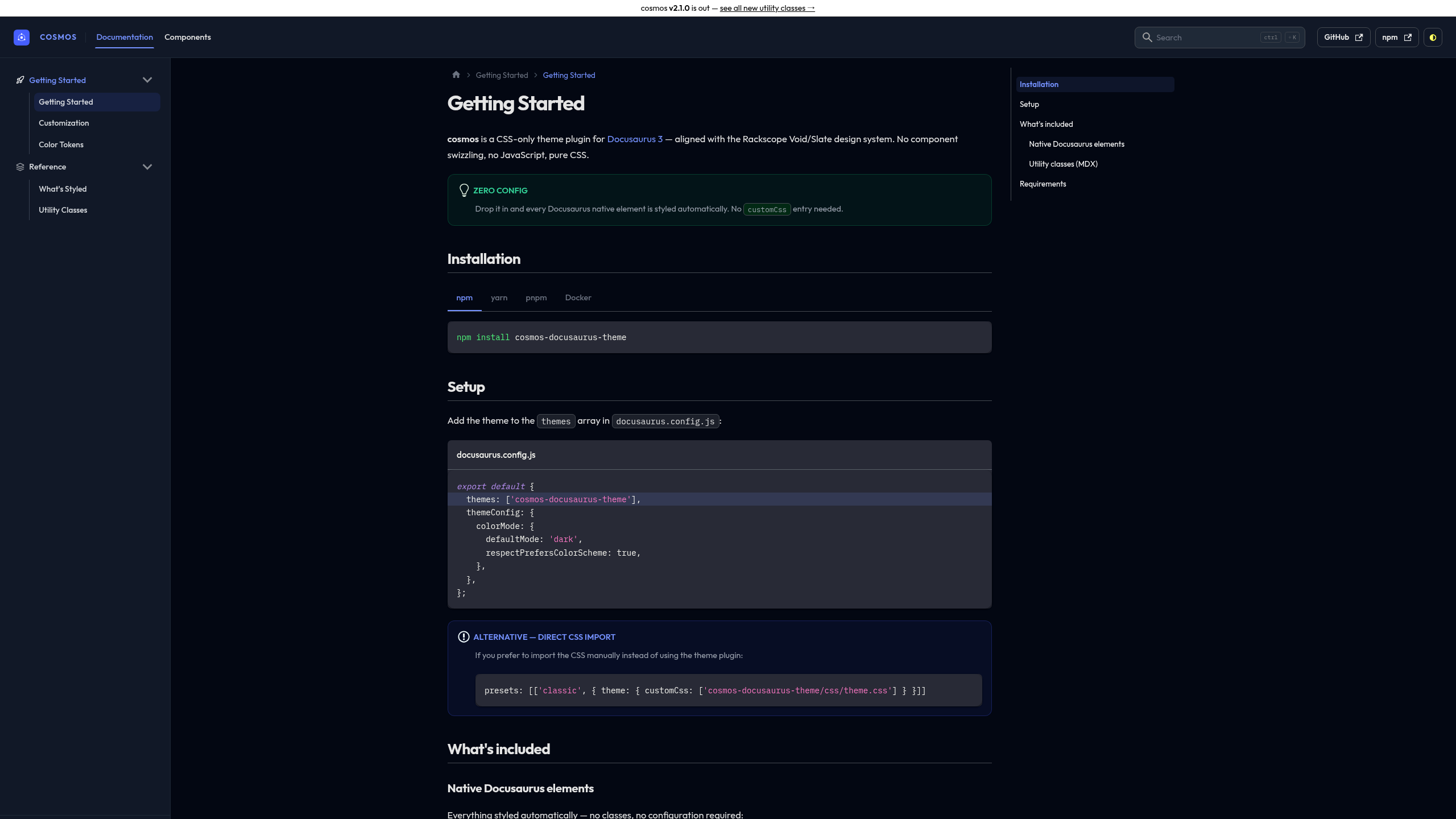
Images get automatic rounded corners and a subtle shadow:
Check list .list-check
Use <ul className="list-check"> for feature lists and prerequisites:
- Prometheus scraping configured and reachable
- Topology YAML file created with at least one site and room
- Device templates defined for your hardware
- Docker and Docker Compose installed on the host
<ul class="list-check">
  <li>Prometheus scraping configured</li>
  <li>Topology YAML created</li>
</ul>